
Showing posts with label chrome. Show all posts

Thursday, 3 November 2022

Digital Theatre + and Google Chrome

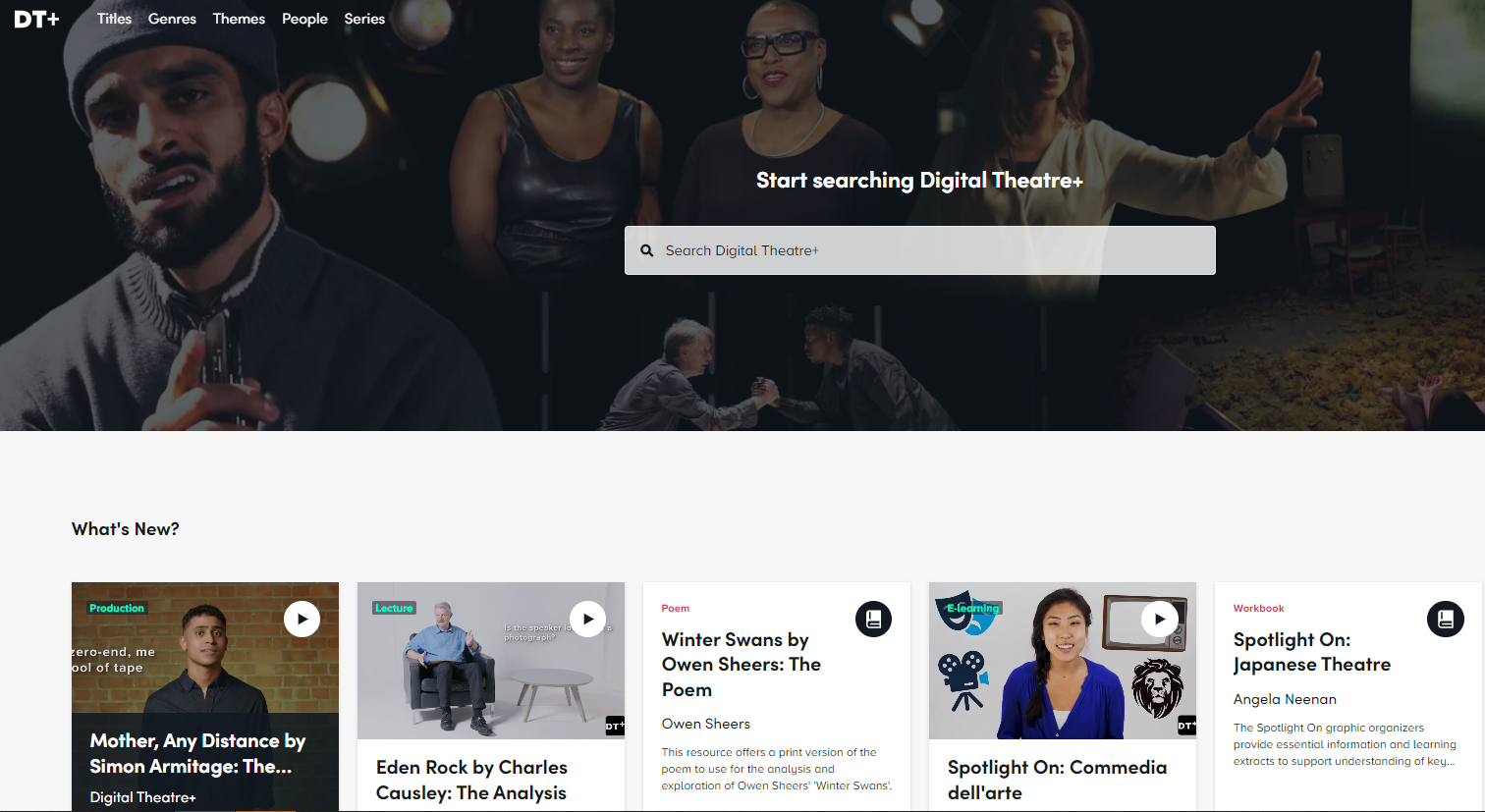
We have a subscription to Digital Theatre + (Digital Theatre Plus), a streaming service for theatre productions.

We've been warned that there is an upcoming change to Google Chrome which will affect users of Digital Theatre +. If you are a user, you will need to update your browser before 6th December, to continue using the service. After this date, older versions of Chrome will no longer support streaming on Digital Theatre +. More information is available here.


Monday, 11 January 2016

Off campus login problems affecting DISCOVER/Library catalogue renewals

Since the middle of December we have been having issues with off campus users logging into DISCOVER via the link on BREO, and Library catalogue renewals (Library sign page). We believe it is to do with changes to the auto fill options on Chrome but it may apply to other browsers.


Below are things you can do to try to resolve the issue:

1.Turn off the auto fill option in your browser and try again
Settings, show advanced settings, password and forms, uncheck auto-fill. (Chrome)

2.If this doesn’t work please try a different browser if you are using Chrome, to see if that helps.

3. Otherwise you may need to clear your browser cache:

http://www.wikihow.com/Clear-Your-Browser's-Cache

3. You could also try to use DISCOVER via this alternative link


4. Or try the Discover search box on LRWEB.


Tuesday, 22 December 2015

DISCOVER/Digital Library login problems off-campus

We still have reports of people getting this error, "Sorry, cannot locate your account".


We think that this is caused by the autofill function in your browser (particularly Chrome) scrambling your login information.


You may need to turn off the auto fill option in your browser and try again:

  •  Settings, show advanced settings, password and forms, uncheck auto-fill. (Chrome)

 If this doesn’t work please try a different browser  to see if that helps.

You may also need to clear your browser history, if you don't know how to do this check out http://www.wikihow.com/Clear-Your-Browser's-Cache.


Monday, 12 October 2015

British Library Secure Electronic Delivery - don't use Google Chrome

If you have requested a journal article via Document Supply, and it comes as a British Library Secure Electronic Delivery, please do not try to open it in Google Chrome - please use another browser such as IE or Firefox that will allow you open in Adobe Acrobat.

Tuesday, 21 April 2015

Chrome 42 issues with Scopus Document Download Manager

If you have upgraded to Chrome 42 and you are unable to download documents on Scopus, check out the troubleshooting guide on the Scopus blog.

Tuesday, 17 September 2013

Error: "This webpage has a redirect loop"


If you get an error like this in Chrome, try clearing your browser's cache and cookies -

  1. Click the Chrome menu  on the browser toolbar.  Chrome menu
  2. Select Tools.
  3. Select Clear browsing data.
  4. In the dialogue that appears, select the tickboxes for the types of information that you want to remove.
  5. Use the menu at the top to select the amount of data that you want to delete. Select beginning of time to delete everything.
  6. Click Clear browsing data.